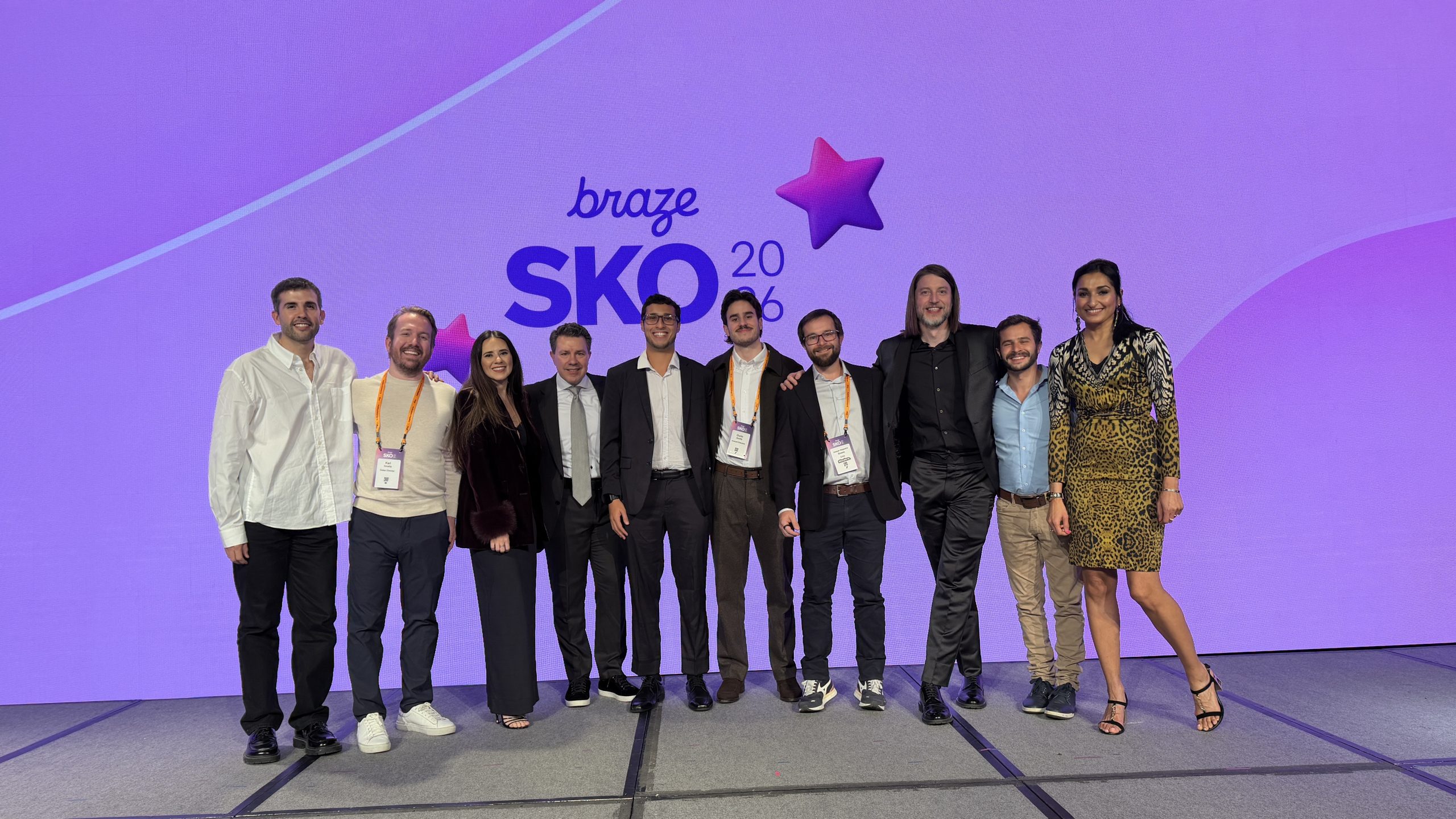
Some awards nights feel ceremonial.
Others signal a real shift.
At the 2026 Sales Kick-Off (SKO) held by Braze in Denver, Colorado, a new category appeared on the SKO stage for the first time in five years: Reseller of the Year.
Minders was named the first recipient.
The announcement took place in front of more than 600 attendees, including global partners from multiple regions. As a result, the moment marked a meaningful milestone within Braze’s partner ecosystem.
Why this recognition matters
Braze closed FY26 with more than $800 million in revenue. At the same time, the company continued to grow alongside customers and partners across markets.
For that reason, the introduction of the Reseller of the Year category carries weight. It reflects the increasing role partners play in how customer engagement is designed, implemented, and scaled globally.
This award recognizes resellers that contribute to that growth by supporting customers with strategy, execution, and long-term value creation.
For Minders, the recognition is especially meaningful. It marks our fourth year participating in Braze SKO. It is also the first time this category has existed.
More than sales: a team effort
This recognition reflects both commercial performance and the people behind it.
It belongs to everyone who shows up every day to deeply understand users. It also belongs to those who help teams grow in metrics, maturity, and confidence. And it belongs to those who build solutions that work in real market conditions.
At Minders, the work starts with closeness to people. Teams invest time in understanding how users behave. They look closely at what customers are trying to achieve. From there, they identify where real friction or opportunity exists.
Because of that proximity, strategies are grounded in reality. Engagement programs take shape with clear intent and context.
The work continues through iteration and learning. Teams test, adapt, and refine their approach across projects. Each challenge becomes a source of insight rather than a stopping point.
At the same time, this mindset is paired with ownership. From strategy through execution, teams take responsibility for outcomes. They move projects forward with energy and commitment, always focused on meaningful impact.
This award reflects that way of working.
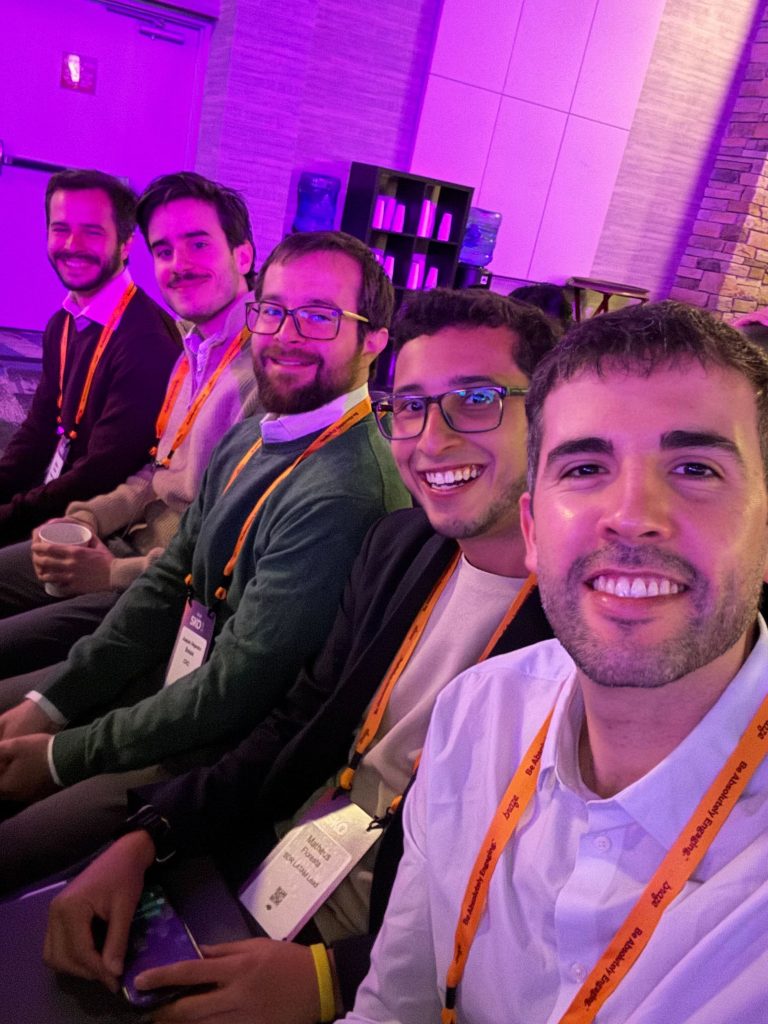
Partner collaboration looking ahead to 2026
There is something uniquely powerful about getting into the same room with partners to align on the year ahead.
Looking ahead to 2026, collaboration between platforms and partners will continue to shape how engagement strategies evolve. Strategy, creativity, and technical depth increasingly move together. As a result, teams are able to design experiences with greater clarity and relevance.
These conversations help set direction. They also sharpen priorities. Most importantly, they raise the quality of the experiences delivered to users.
At the same time, they reinforce a shared focus on engagement that is intentional, relevant, and designed to last.
A moment that sets direction
Being recognized as Braze Reseller of the Year is a moment to pause, reflect, and say thank you — to the teams who show up every day, to the partners who trust us, and to the shared work ahead.
It marks a meaningful milestone. At the same time, it sets the direction for what we’re building together in 2026.